





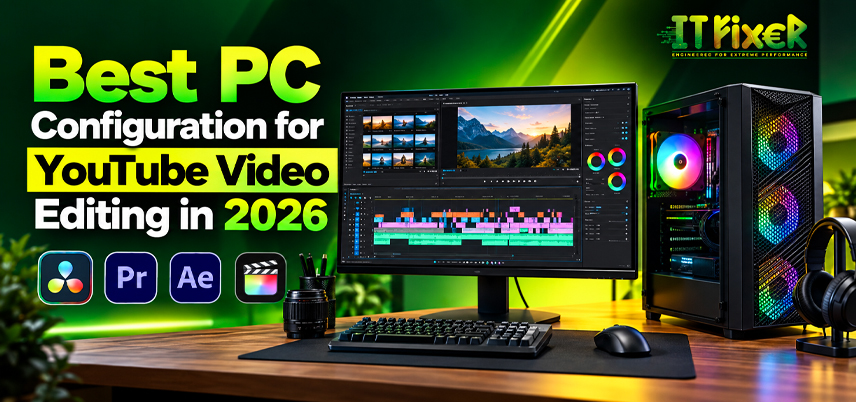
Best PC Configuration for YouTube Video Editing in 2026
A YouTube editing PC in Chennai should be selected around the type of footage and software being used rather than simply choosing the highest specifications. A content creation PC or content creator workstation should keep timeline editing responsive, handle effects, support multitasking, and deliver efficient video export with consistent export speed. For 1080p and 4K footage, the right balance of processing power, GPU capability, RAM, and SSD storage helps maintain a smooth editing workflow.
What Makes a YouTube Editing PC in Chennai Suitable for Creators?
When comparing a YouTube editing PC in Chennai, consider the video resolution, codecs, effects, and editing software used in the workflow. Tutorial creators may place greater emphasis on CPU performance and storage, while color grading can increase GPU requirements. For everyday creators, a sensible YouTube editing PC in Chennai should provide enough processing and memory capacity for the intended resolution and editing workload.
How to Configure a YouTube Editing PC in Chennai?
For a creator-focused YouTube editing PC in Chennai, choose the components according to the editing workflow:
- 1080p: 16–32GB RAM and 1TB SSD.
- 4K: 32–64GB RAM and fast NVMe SSD.
- Effects-heavy work: Dedicated GPU with VRAM.
- Large projects: Separate project and media storage.
Processor and GPU Requirements for YouTube Editing
A video editing PC in Chennai needs a multi-core processor for decoding, timeline operations, and rendering. The graphics card can support GPU acceleration and hardware acceleration in Adobe Premiere Pro, DaVinci Resolve, and Adobe After Effects, particularly when projects involve effects or GPU-intensive tasks. At a video editing PC shop in Chennai, compare GPU requirements according to the effects, resolution, and software used.
RAM and SSD Storage for Faster Editing
A video editing computer must also handle timelines, applications, and multitasking without becoming a performance bottleneck. Memory requirements increase as projects become more complex, particularly when multiple applications, effects, and high-resolution footage are used together.
Fast storage improves the editing workflow; a video editing PC in Chennai should use an NVMe SSD for applications, active projects, project storage, and cache drive tasks. Additional SSD storage can be used for larger media libraries and archived footage. A video editing PC in Chennai should balance capacity with speed, while a video editing PC shop in Chennai can help match available storage slots with future expansion needs.
Choosing the Best PC for Video Editing in Chennai Based on Software
The best PC for video editing in Chennai depends on the applications, video editing software, and type of work involved. Adobe Premiere Pro benefits from balanced CPU, GPU, and SSD performance. DaVinci Resolve can make greater use of GPU resources for color work. Adobe Media Encoder supports background encoding and batch exports, while CapCut may be suitable for simpler editing workflows.
Choosing the best PC for video editing in Chennai means matching the hardware to the software and footage being used. Adobe After Effects can increase RAM and processing requirements, making the best PC for video editing in Chennai dependent on the complexity of the editing workflow.
Practical Configuration Tiers for Video Editing PC in Chennai
A video editing PC in Chennai can be planned around three practical configurations for 1080p video editing and 4K video editing:
1080p creator: 6-core modern CPU, 16GB RAM, 1TB SSD, and suitable graphics for standard YouTube projects.
Balanced 1080p/4K: 8-core or higher CPU, 32GB RAM, dedicated GPU, 1TB NVMe SSD, and additional media storage for mixed-resolution projects.
Professional 4K: Higher-core CPU, 64GB RAM, capable GPU, NVMe project drive, and separate media storage for larger production workflows.
Choosing a Video Editing PC Shop in Chennai
When evaluating a video editing PC shop in Chennai, look beyond the advertised editing desktop and check the complete configuration. The motherboard and desktop configuration must support the processor and RAM; the power supply (PSU) needs adequate headroom; and the CPU cooler and case airflow should be suitable for sustained video rendering.
For custom workloads, a video editing PC shop in Chennai can configure a custom video editing PC when a standard tier does not meet the project requirements. At a video editing PC shop in Chennai, additional RAM and storage may be needed depending on the footage and software used. Service availability at a video editing PC shop in Chennai is also worth checking before purchase.
What to Check in a PC Build for Video Editing in Chennai
A PC build for video editing in Chennai should be evaluated as a complete workstation; the PC build for video editing in Chennai should also be checked for component compatibility. Confirm CPU and motherboard compatibility, RAM capacity, GPU VRAM, NVMe SSD capacity, PSU wattage, CPU cooling, airflow, warranty coverage, and service terms.
A PC build for video editing in Chennai should leave room for storage or RAM upgrades. Exact models can differ in cooling, connectivity & performance.
Building the Best PC for Video Editing in Chennai Around Your Workflow
Selecting the best PC for video editing in Chennai starts with the actual editing workload and rendering requirements. For 4K footage and frequent effects, the best PC for video editing in Chennai needs a balanced system that can handle sustained editing and rendering. For talking-head 1080p videos, a balanced configuration can provide the required performance without paying for unnecessary hardware.
A PC build for video editing in Chennai should also accommodate future YouTube content creation, live streaming, audio processing, and batch exports. That PC build for video editing in Chennai can provide useful room for additional RAM, storage, or other component upgrades.
Final Buying Checklist for a Video Editing PC in Chennai
Before ordering a video editing PC in Chennai, compare the configuration with the type and size of projects you plan to edit. A capable YouTube editing PC in Chennai should provide the processing power, memory, storage performance & GPU acceleration required for those projects.
Content creators should prioritize a video production workstation based on their actual editing requirements rather than maximum specifications. A PC build for video editing in Chennai can support professional video editing, video production & publishing.
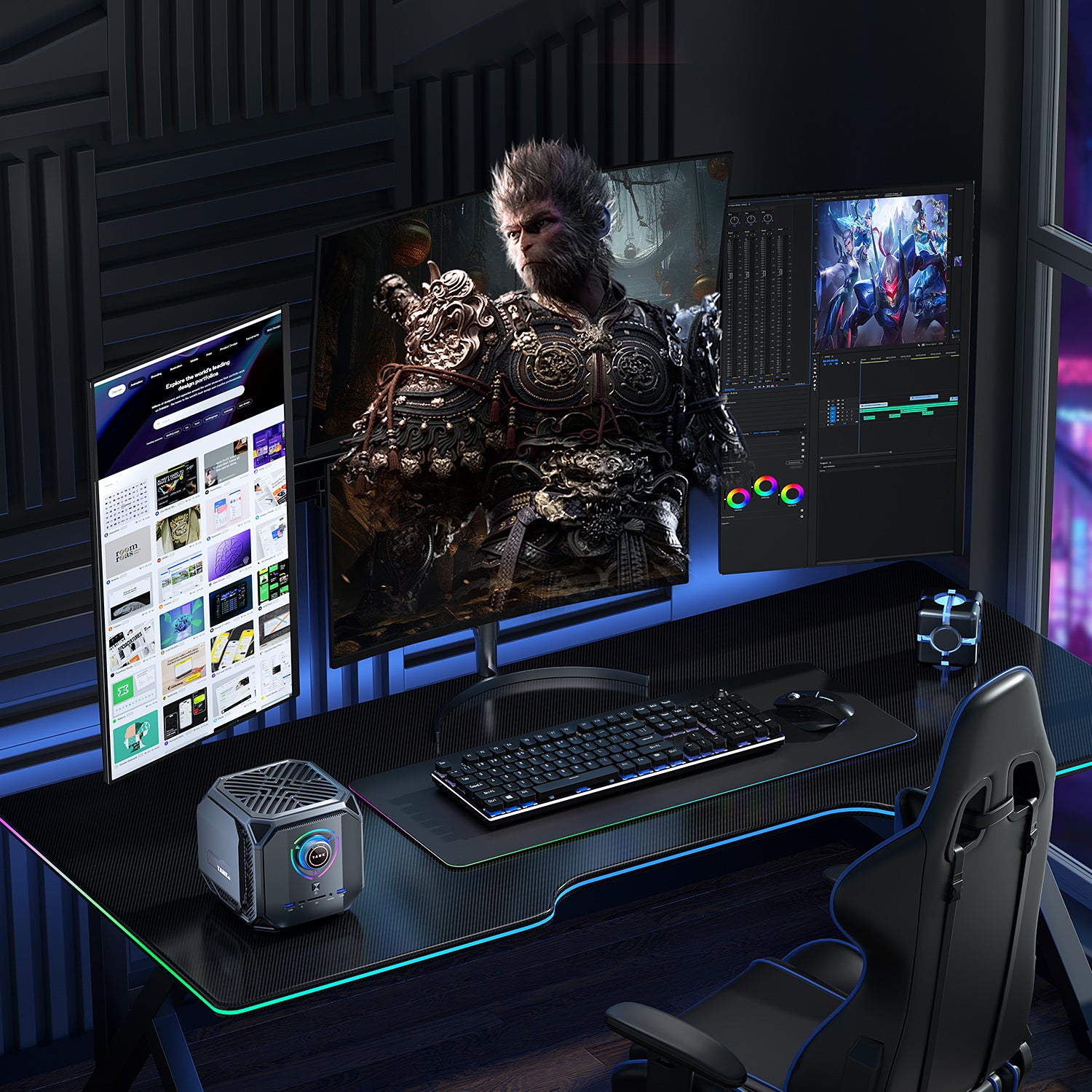
PC Setup for YouTube Editing, Content Creation & Video Work

IT FIXER
DLSS 5 Explained: What Does AI Neural Rendering Actually Change?
- OCTOBER 17, 2026
Your FPS Looks High but the Game Feels Laggy
- OCTOBER 15, 2026
Upgrade or Replace Your Gaming PC? 7 Signs You Need a New Build
- OCTOBER 13, 2026
Need Any Help
Call Us 24/7 Full Support
Leave a comments
Your email address will not be published. Required fields are marked *