





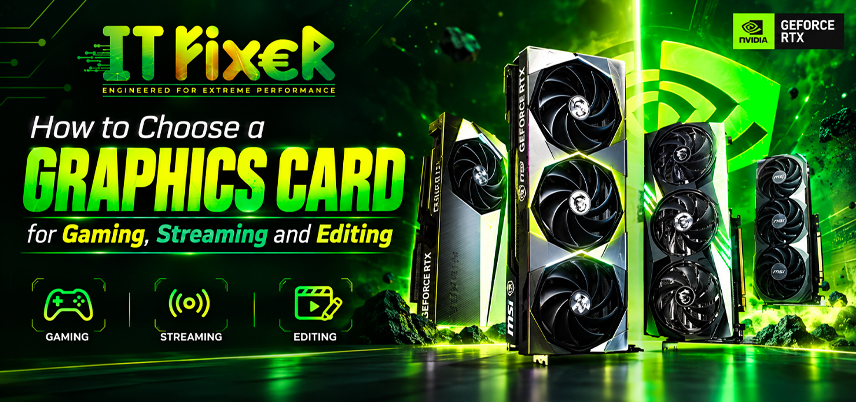
How to Choose a Graphics Card for Gaming, Streaming and Editing
Choosing a graphics card is not simply about buying the most expensive GPU. Your games, software, monitor and overall PC build all influence the decision. VRAM, GPU performance, encoding capabilities and hardware compatibility should be considered together.
how to choose a graphics card: Start With Your Workload
The first step in how to choose a graphics card is to define your workload. A 1080p gamer may need different hardware from someone using Premiere Pro, DaVinci Resolve or Blender. Priorities may include gaming, video editing, live streaming, 3D rendering or a mixed creator workload.
Choose a Graphics Card Based on Gaming Performance
Compare a GPU at your target resolution. A gaming graphics card that performs well at 1080p may require more power for 1440p or 4K gaming. This difference is important when considering how to choose a graphics card. Check average FPS, frame consistency, GPU benchmarks, ray tracing, DLSS, FSR, frame generation and monitor refresh rate.
Graphics card shop in Chennai: Compare Models for Your Games
When visiting a Graphics card shop in Chennai, ask for performance figures matching your games and resolution. Compare GPU benchmarks, graphics card performance and power consumption rather than generic rankings. Competitive gaming may prioritize stable FPS, while cinematic games may benefit from ray tracing. A Graphics card shop in Chennai can explain these differences.
Best graphics card in Chennai: Match the Monitor
If you are searching for the Best graphics card in Chennai, start with the monitor you own or plan to buy. A high-end GPU may be unnecessary for basic 1080p, while a 4K display can justify stronger hardware.
Consider resolution, refresh rate, desired FPS, adaptive sync and ray tracing. There is no single Best graphics card in Chennai for every user. The suitable model depends on your resolution, workload, software and overall PC configuration.
gaming PC components Chennai: Check the Complete System
A GPU works as part of a PC. For buyers researching gaming PC components Chennai options, consider the CPU, motherboard, RAM, storage and PSU alongside the GPU. An older CPU can bottleneck high-FPS gaming, while a weak GPU limits higher resolutions.
Best GPU shop Chennai: Look Beyond Specification Numbers
Buyers searching for a Best GPU shop Chennai option can compare VRAM, CUDA cores, shader cores, GPU clock speed and boost clock across different models. These figures help, but workload-specific GPU benchmarks are better evidence than one specification alone.
Choosing a GPU for Editing Workflows
For creators, a Graphics card shop in Chennai can help match the GPU to their software and check feature support. Premiere Pro GPU acceleration, DaVinci Resolve workloads and Blender GPU rendering can depend on resolution, effects and codecs. Check software support, VRAM and CPU balance before choosing a graphics card.
gaming PC components Chennai: Streaming and Encoding
For live streaming, the GPU can handle hardware encoding and reduce CPU workload with OBS Studio, Twitch or YouTube. Check NVENC, AV1 support, resolution, bitrate and game FPS. When planning gaming PC components Chennai for streaming, make sure the system has sufficient CPU performance, RAM and network capacity.
Best GPU shop Chennai: Compare VRAM Carefully
At a Best GPU shop Chennai, compare video memory according to your resolution and applications. VRAM, GPU memory and graphics card memory can affect demanding games, textures, editing and 3D workloads. Requirements depend on the software.
Graphics card shop in Chennai: Verify Compatibility
A Graphics card shop in Chennai can help verify compatibility before installation. Check motherboard and PCIe compatibility, case clearance, connectors and PSU requirements. Measure available case space because large GPU coolers may not fit every gaming cabinet. Also check PCIe slots, PSU capacity, dimensions, cooler clearance and airflow.
Best graphics card in Chennai: Consider Cooling and Power
The Best graphics card in Chennai for a compact PC may be different from the model you would choose for a creator-focused system. GPU cooling affects sustained performance, while power consumption influences PSU selection.
Check GPU temperature, cooler design and airflow. Air cooling suits many systems.
Plan Your GPU Upgrade Path
When selecting gaming PC components Chennai, consider PCIe support, PSU capacity and storage expansion. Check CPU performance before a GPU upgrade; replacing only the graphics card may not solve a processor bottleneck.
Compare Total GPU Value
At a Best GPU shop Chennai, compare the complete upgrade cost rather than only the GPU price. An upgrade may require a stronger PSU or better airflow. Ask whether the GPU meets your resolution target, has suitable VRAM, fits the case, supports your software and matches the CPU.
Make the Final Graphics Card Decision
Start with your workload, set a performance target and verify compatibility. Gaming decisions depend on resolution, FPS, VRAM and rendering features, while creators should consider encoding and 3D rendering. Ultimately, how to choose a graphics card depends on the tasks it needs to handle. A balanced upgrade should improve your workflow. A balanced upgrade should improve your tasks.
Final Graphics Card Buying Checklist
Before purchasing, check applications, resolution, refresh rate, benchmarks, VRAM, encoding, PCIe compatibility, PSU capacity, dimensions, cooling and CPU balance.
Local buyers can visit a Graphics card shop in Chennai to verify compatibility, while independent benchmarks can validate performance. The store can also check case clearance and other installation requirements.
Build for Real-World Use
A gaming PC should support your applications. When selecting gaming PC components Chennai, balance GPU capability with RAM, storage, cooling and PSU. Ultimately, how to choose a graphics card comes down to matching hardware with your workload. Once that is clear, VRAM, clock speed, ray tracing, encoding and compute cores become easier to evaluate.
Graphics Card for Gaming, Streaming & Editing

IT FIXER
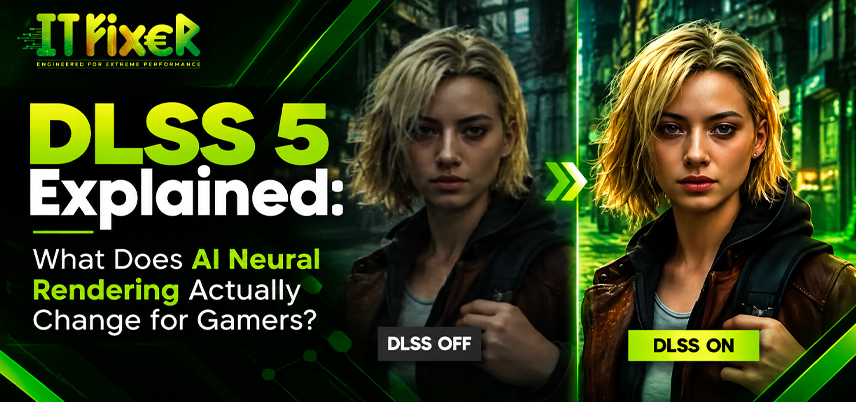
DLSS 5 Explained: What Does AI Neural Rendering Actually Change?
- OCTOBER 17, 2026
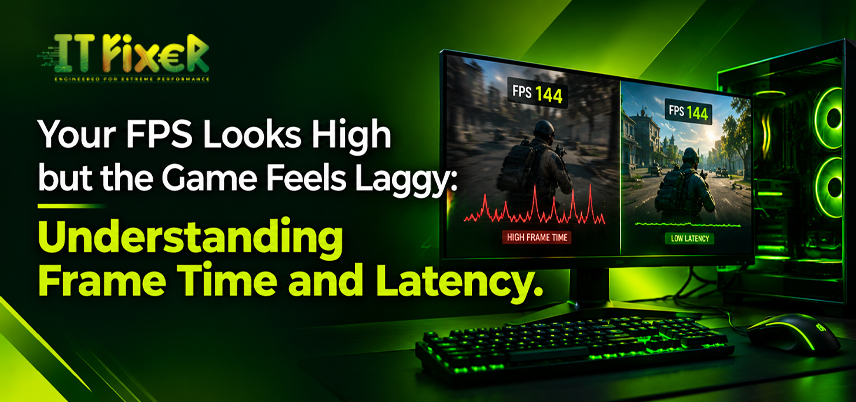
Your FPS Looks High but the Game Feels Laggy
- OCTOBER 15, 2026
Upgrade or Replace Your Gaming PC? 7 Signs You Need a New Build
- OCTOBER 13, 2026
Need Any Help
Call Us 24/7 Full Support
Leave a comments
Your email address will not be published. Required fields are marked *