






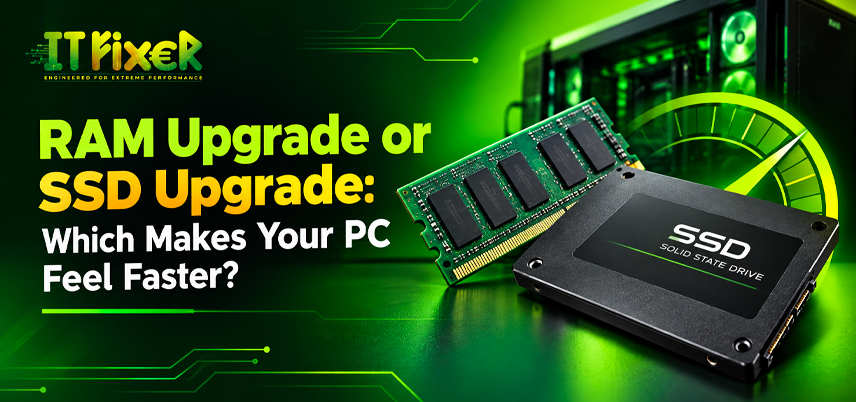
RAM Upgrade or SSD Upgrade: Which Makes Your PC Feel Faster?
A slow computer may need more memory, faster storage or another fix. Slow startup, freezes and delayed file access point to different causes. A RAM upgrade in Chennai should be considered only after checking what is slowing the system.
Diagnose Your PC Before Choosing a RAM or SSD Upgrade
Open Task Manager when the computer feels slow. Memory near its limit may indicate RAM pressure; sustained disk activity can point to storage delays. Background applications, overheating and an older processor can also affect performance. Diagnose the cause before choosing RAM vs SSD upgrade for PC. If storage is responsible, an SSD upgrade in Chennai may be the relevant fix. Before committing, ask Should I upgrade RAM and SSD together? only after identifying the bottleneck.
When to Visit a RAM Upgrade Shop in Chennai
A RAM upgrade shop Chennai can help when your workload regularly uses most available memory. Extra capacity keeps more applications active and reduces reliance on virtual memory.
How a RAM Upgrade Store in Chennai Can Help With Multitasking
Moving from 8GB RAM to 16GB RAM may help with several open applications. Editing projects and demanding software may benefit from 32GB RAM, depending on requirements. Match capacity to your workload.
Check RAM Compatibility Before RAM Upgrading in Chennai
Confirm DDR4 or DDR5 support, available slots and maximum capacity. Some laptops have soldered RAM. Before buying a RAM upgrade store Chennai, verify compatibility.
When an SSD Upgrade in Chennai Makes Your PC Faster
An SSD upgrade in Chennai can make a noticeable difference when a computer still uses a mechanical hard disk, improving startup and application loading. It will not fix every processor or software bottleneck.
When an SSD Upgrade Shop in Chennai Makes Your PC Faster
A SATA SSD can replace an older hard drive; a compatible NVMe SSD may offer higher speeds. If Windows and programs take too long to open, storage is worth checking. An SSD upgrade shop in Chennai may improve responsiveness when the old drive is the bottleneck. This can clarify which is better RAM or SSD upgrade shop in Chennai for your setup.
What to Check at an SSD Upgrade Store in Chennai
Check whether the computer supports a 2.5-inch SATA drive or an M.2 SSD. M.2 is a form factor, not a guarantee of NVMe support. Choose enough capacity and back up data before cloning. An SSD upgrade store in Chennai should include compatibility and drive-health checks.
RAM vs SSD upgrade for PC in Chennai: identify the bottleneck
A RAM vs SSD upgrade for PC decision depends on the symptom: RAM supports multitasking, while an SSD improves stored-data access.
Compare by Workload in RAM vs SSD Upgrade for PC in Chennai
Choose RAM when memory stays high, tabs reload or switching applications freezes. Consider an SSD when startup and program launches are slow. Compare the same tasks before and after a RAM vs SSD upgrade shop for PC, and track results during normal use.
Which Is Better: a RAM or SSD Upgrade for Your Computer?
Which is better RAM or SSD upgrade in Chennai depends on the bottleneck. Replacing an HDD with an SSD often helps slow startup; more RAM may help if an existing SSD-equipped PC runs out of memory. Check specifications and resource usage before buying.
Decide which is better RAM or SSD upgrade Shop for work and study
Enough memory helps keep browsers, office tools and video calls running. If apps load slowly, check storage.
Check which is better RAM or SSD upgrade for demanding applications
Video editing and design tools can need substantial memory, while opening project files depends on storage too. Check software requirements before deciding which is better RAM or SSD upgrade in Chennai for demanding work. That makes a RAM vs SSD upgrade for PC decision more specific to the applications you run.
Should I Upgrade RAM and SSD Together?
Should I upgrade RAM and SSD together? depends on your system and budget. Both may help when memory is full and the PC still uses a hard disk.
What Should I Upgrade RAM and SSD Together or Prioritise One?
If costs must be spread out, prioritise the bottleneck. An SSD can improve startup on an HDD-based PC, while more memory helps with multitasking. Check which change will help most first.
When Should I Upgrade RAM and SSD Together?
Confirm memory limits, slots, drive interface and laptop access. Back up files and include installation costs. A PC upgrade service can assess whether both changes are practical. Decide whether Should I upgrade RAM and SSD together? after checking compatibility and cost.
Compare Upgrade Costs and Test Performance
Record boot time, application loading and Memory or Disk usage before making changes. A RAM vs SSD upgrade store for PC assessment should prioritise the measured bottleneck. Repeat the same tasks afterward; if performance remains poor, check temperatures and drive health. Use those results to judge which is better RAM or SSD upgrade store in Chennai. A RAM upgrade in Chennai should match supported memory, while an SSD upgrade in Chennai should account for compatibility and backup. During budgeting, ask whether Should I upgrade RAM and SSD together? is necessary for the measured issue.
RAM or SSD Upgrade: Which Should You Choose?
An SSD usually improves startup and file loading on an HDD-based computer. More RAM helps when limited memory affects multitasking. Choose based on symptoms, compatibility and budget. If you are still asking which is a better RAM or SSD upgrade shop in Chennai, check Task Manager. Base the decision on diagnosis rather than upgrading both automatically.
Compare RAM and SSD upgrades to find out which improves PC speed, startup time, multitasking and everyday performance based on your needs.

IT FIXER

DLSS 5 Explained: What Does AI Neural Rendering Actually Change?
- OCTOBER 17, 2026
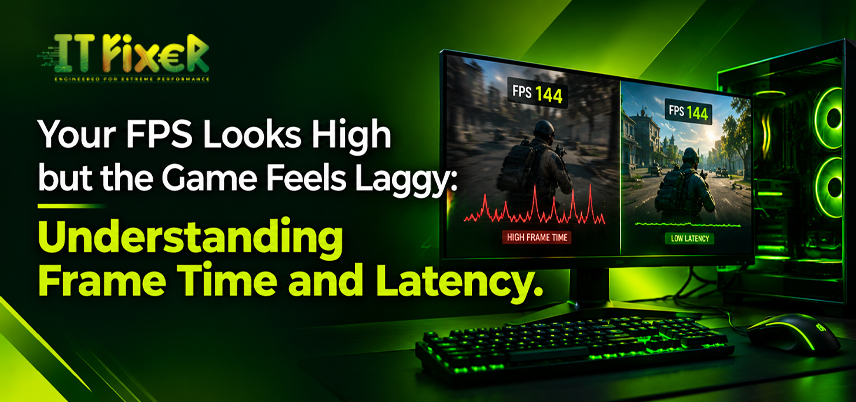
Your FPS Looks High but the Game Feels Laggy
- OCTOBER 15, 2026
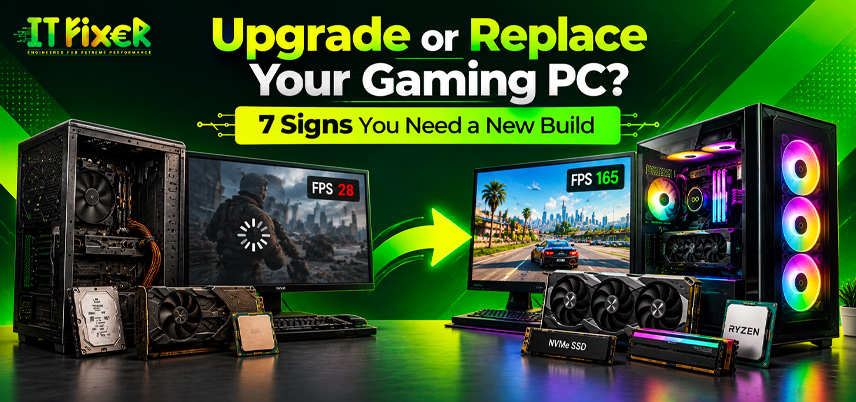
Upgrade or Replace Your Gaming PC? 7 Signs You Need a New Build
- OCTOBER 13, 2026
Need Any Help
Call Us 24/7 Full Support
Leave a comments
Your email address will not be published. Required fields are marked *