





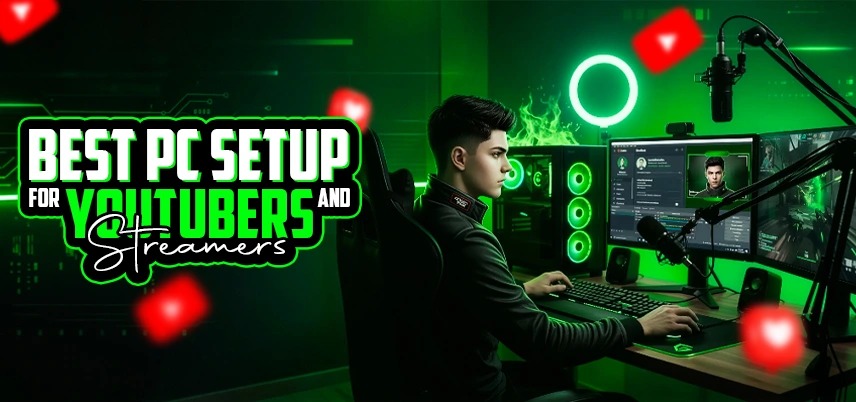
Best PC Setup for YouTubers and Streamers
Creating high-quality content on platforms like YouTube and live streaming services has become more competitive than ever. Whether you are a gamer, educator, tech reviewer, or lifestyle creator, having the right PC setup plays a huge role in the quality of your content. A powerful and well-optimised computer ensures smooth video recording, fast editing, seamless streaming, and better multitasking.
Many professional creators prefer building a custom computer instead of buying a ready-made system. One of the major advantages of custom PC builds is the ability to choose components based on your specific needs, such as video editing, streaming, gaming, and multitasking.
For creators in India, investing in a powerful desktop system can also double as the best desktop for office use in India especially if you handle content management, graphic design, marketing, or business tasks along with content creation.
Why a Powerful PC is Important for YouTubers and Streamers
Content creation requires more computing power than regular computer usage. Recording gameplay, editing videos, rendering content, and streaming live videos simultaneously requires high-performance hardware. A powerful PC helps YouTubers and streamers to:
- Record high-quality videos without lag
- Edit videos faster
- Stream smoothly without frame drops
- Run multiple applications simultaneously
- Improve overall workflow productivity
One of the biggest advantages of custom PC setups is that creators can design their systems specifically for video editing and streaming workloads instead of relying on generic pre-built machines.
High-Performance Processor (CPU)
The processor is the brain of your computer. For YouTubers and streamers, a powerful CPU is essential because tasks like video rendering, encoding, and multitasking rely heavily on processor performance. Content creators often run multiple applications at once,such as recording software, editing software, streaming platforms, and browsers. A strong processor ensures all these tasks run smoothly without slowing down the system.
Multi-core processors are highly recommended for creators. More cores allow the computer to process several tasks simultaneously, which is extremely helpful when streaming live content while recording and running overlays.
Dedicated Graphics Card (GPU)
A powerful graphics card plays an important role in video editing, gaming, and streaming performance. Modern editing software uses GPU acceleration to process visual effects, rendering, and video playback. For gaming streamers, the graphics card becomes even more important because it handles game visuals while the CPU handles streaming tasks.
A strong GPU provides benefits such as the following:
- Faster video rendering
- Smooth gaming performance
- Improved video playback
- Enhanced visual effects
Content creators often prefer high-performance GPUs because they significantly reduce editing time and improve workflow efficiency.
Sufficient RAM for Multitasking
RAM plays a major role in system responsiveness and multitasking. Video editing software, streaming software, and recording applications consume a lot of memory.
For beginner creators, 16GB RAM may be sufficient. However, professional YouTubers and streamers often use 32GB RAM or more for smooth editing and rendering performance.
Higher RAM capacity allows you to:
- Edit large video files smoothly
- Run multiple programs simultaneously
- Reduce system lag during editing
- Improve rendering efficiency
Fast Storage (SSD)
Storage speed significantly affects video editing workflow. Creators often work with large video files that require fast read and write speeds. Solid State Drives (SSDs) are now the standard storage option for content creators because they are much faster than traditional hard drives.
Using SSD storage provides several advantages:
- Faster video loading
- Quicker system boot time
- Smooth editing performance
- Faster project exports
Many creators use a combination of SSD and HDD storage. The SSD stores the operating system and editing software, while HDDs store large video files and backups.
Reliable Motherboard
The motherboard connects all the components of your computer. Choosing a reliable motherboard ensures system stability and provides expansion options for future upgrades. Content creators should consider motherboards that support,
- High-speed RAM
- Multiple storage devices
- High-performance processors
- Advanced connectivity options
Efficient Cooling System
Content creation tasks like video rendering and streaming generate significant heat inside the computer. Without proper cooling, components may overheat and reduce system performance. Effective cooling solutions help maintain stable temperatures during heavy workloads. Many creators prefer advanced air cooling or liquid cooling systems to ensure consistent performance during long editing sessions. Good cooling not only protects the system but also improves its lifespan.
High-Quality Monitor for Editing
A high-quality monitor is extremely important for video creators. Accurate color reproduction and high resolution help editors produce better visual content. A good monitor helps with
- Precise color grading
- Clear video editing timeline
- Better content preview
- Improved workflow efficiency
Content creators often prefer larger displays or dual-monitor setups to manage editing tools and preview windows simultaneously.
Professional Microphone for Audio Quality
Audio quality is just as important as video quality on YouTube and streaming platforms. A professional microphone improves voice clarity and reduces background noise, making your content more engaging and professional. Viewers often tolerate slightly lower video quality, but poor audio can quickly cause them to stop watching.
High-Quality Webcam or Camera
For vloggers and live streamers, a good camera setup is essential. A high-resolution webcam or DSLR camera ensures better video quality and professional presentation. A good camera setup enhances
- Face clarity
- Lighting balance
- Viewer engagement
- Professional appearance
Combining a good camera with proper lighting can dramatically improve video quality.
Advantages of Custom PC for Content Creators
Many YouTubers and streamers prefer custom-built computers because they provide flexibility and performance advantages. Some of the major advantages of custom PC setups include better performance for the same budget compared to pre-built systems. Ability to select components that match specific workloads like video editing or gaming.
- Easy upgrade options for RAM, storage, or graphics cards.
- Longer lifespan due to better component quality.
- Improved cooling and performance optimization.
These benefits make custom PCs the preferred choice for professional creators.
Can a Content Creation PC Also Be Used for Office Work?
Absolutely. A powerful PC built for video editing and streaming can easily function as the best desktop for office use in India. Since content creation systems already include powerful processors, high RAM capacity, and fast storage, they can easily handle office tasks such as
- Business software
- Video conferencing
- Graphic design
- Data analysis
- Multitasking applications
Creating high-quality YouTube videos and live streams requires more than just creativity. A powerful and well-optimized PC setup plays a crucial role in ensuring smooth editing, recording, and streaming performance. By carefully selecting the right components such as processor, graphics card, RAM, storage, and cooling system, creators can build a powerful workstation tailored to their needs. One of the biggest advantages of custom PC builds is the flexibility to design a system that perfectly matches your workflow. Whether you are a beginner YouTuber or a professional streamer, a custom-built system offers better performance, upgrade flexibility, and long-term reliability. A well-designed PC setup ultimately helps creators focus on what matters most, producing engaging and high-quality content for their audience.
Best PC Setup for YouTubers and Streamers

IT FIXER
How to Choose a Graphics Card for Gaming: Complete Guide
- SEPTEMBER 12, 2026
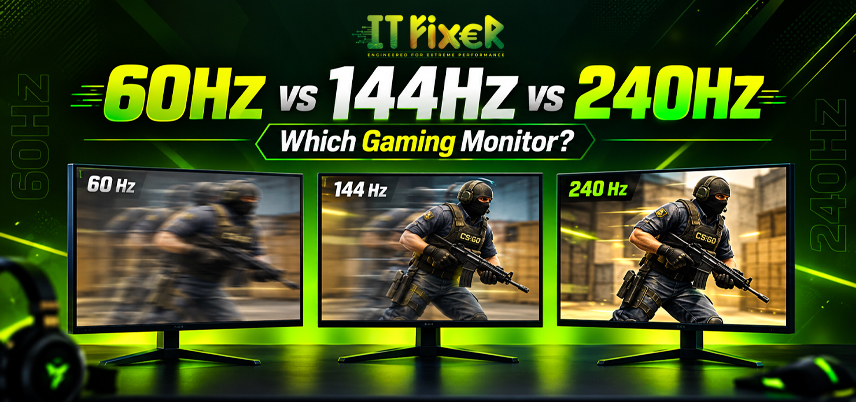
60Hz vs 144Hz vs 240Hz: Which Gaming Monitor Is Best?
- SEPTEMBER 10, 2026
1080p vs 1440p Gaming: Which Is Better?
- SEPTEMBER 5, 2026
Need Any Help
Call Us 24/7 Full Support
Leave a comments
Your email address will not be published. Required fields are marked *